All Desktop Mobile 4K


Browse by Category
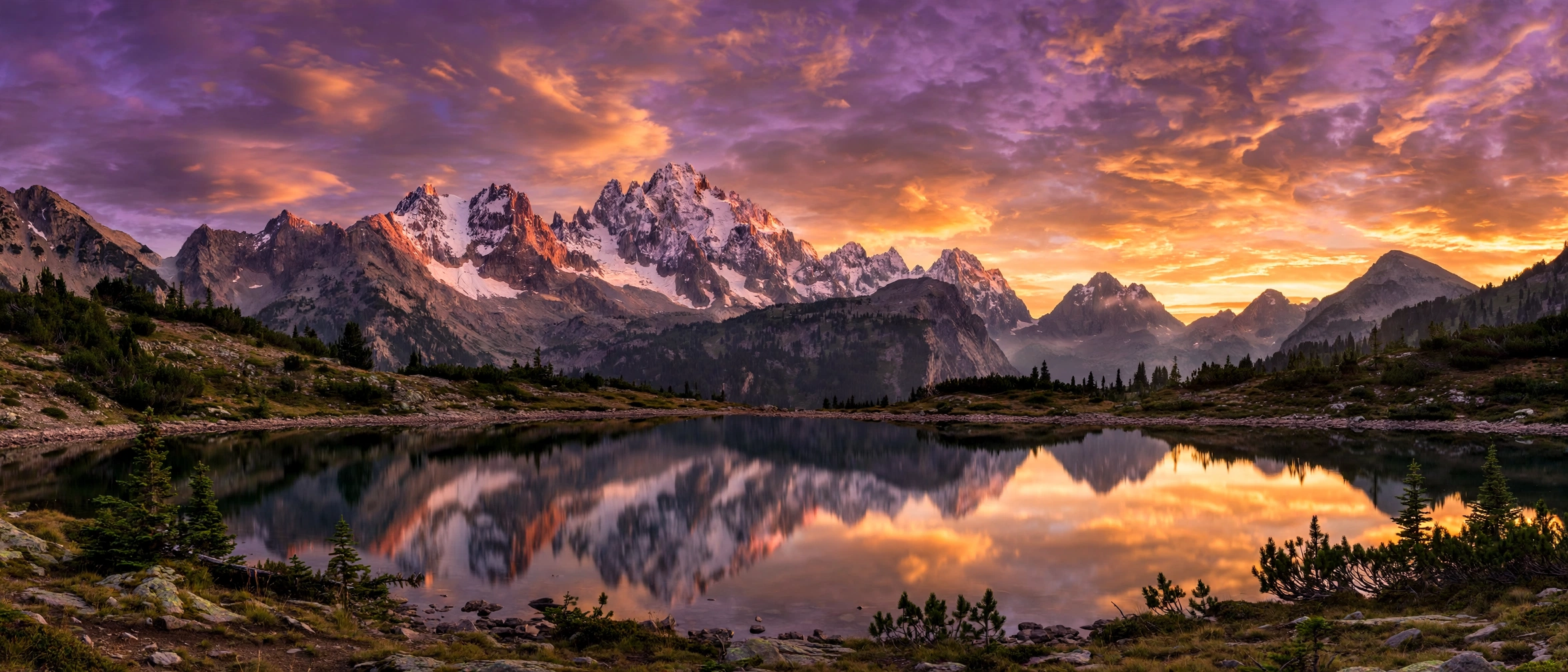
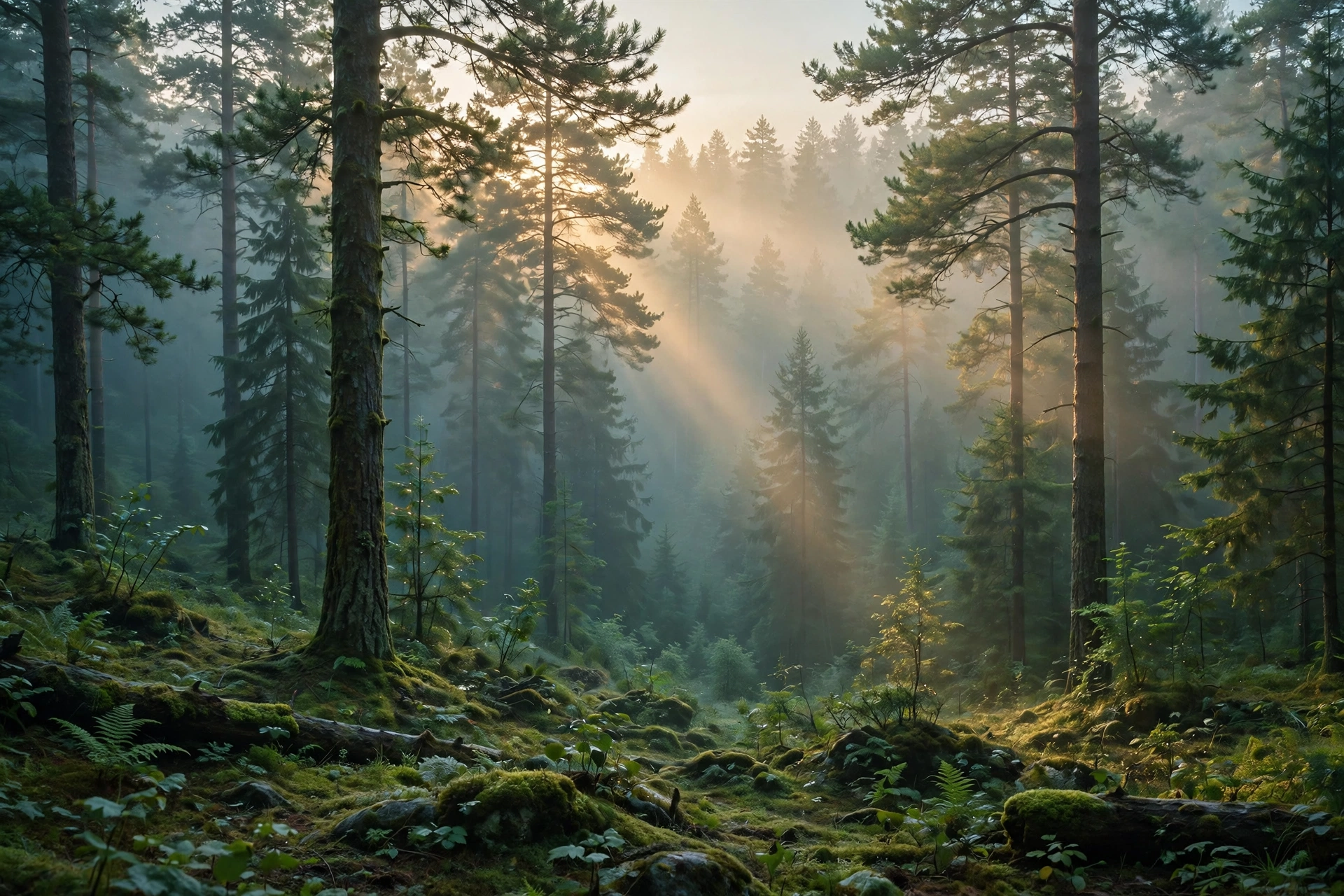
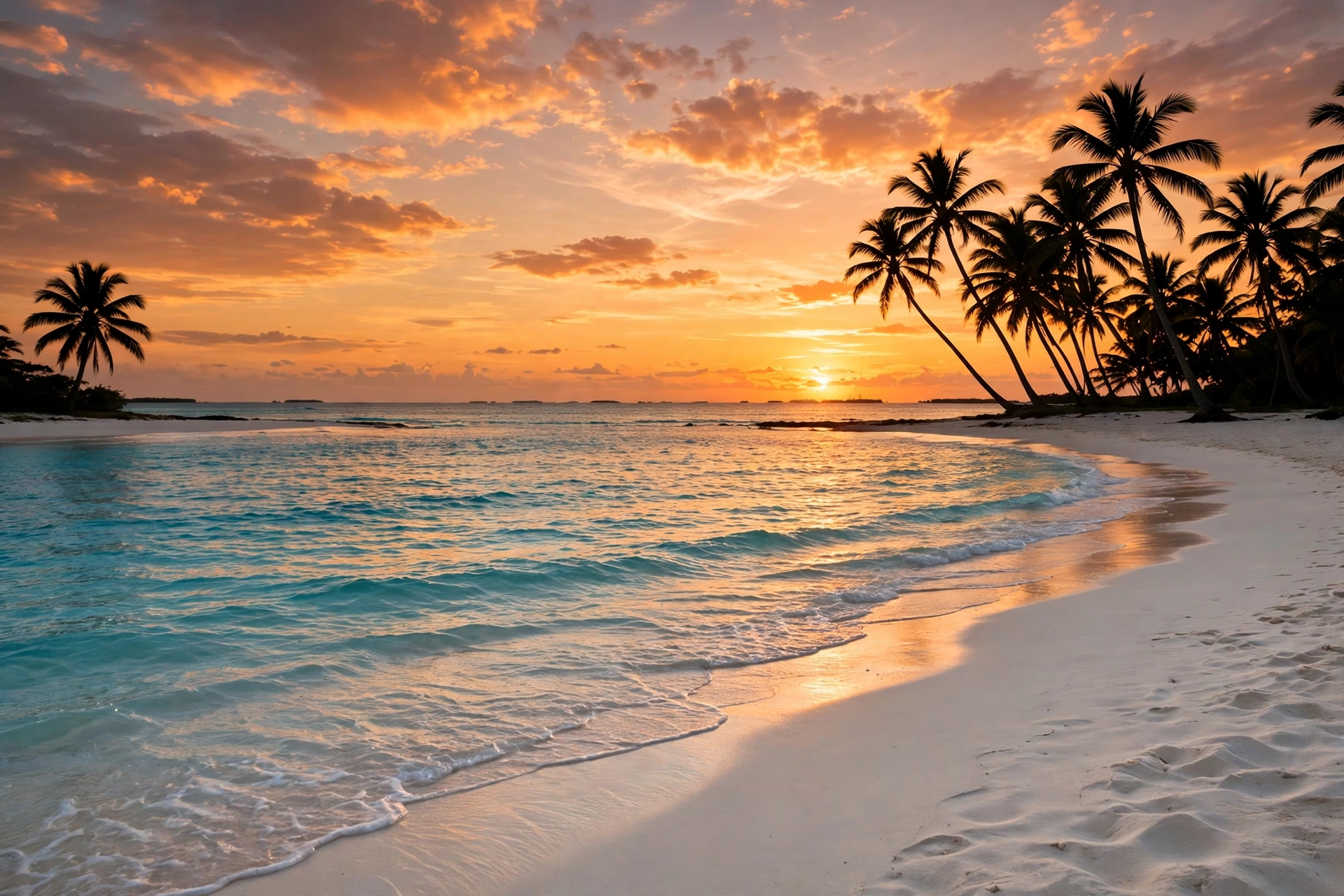
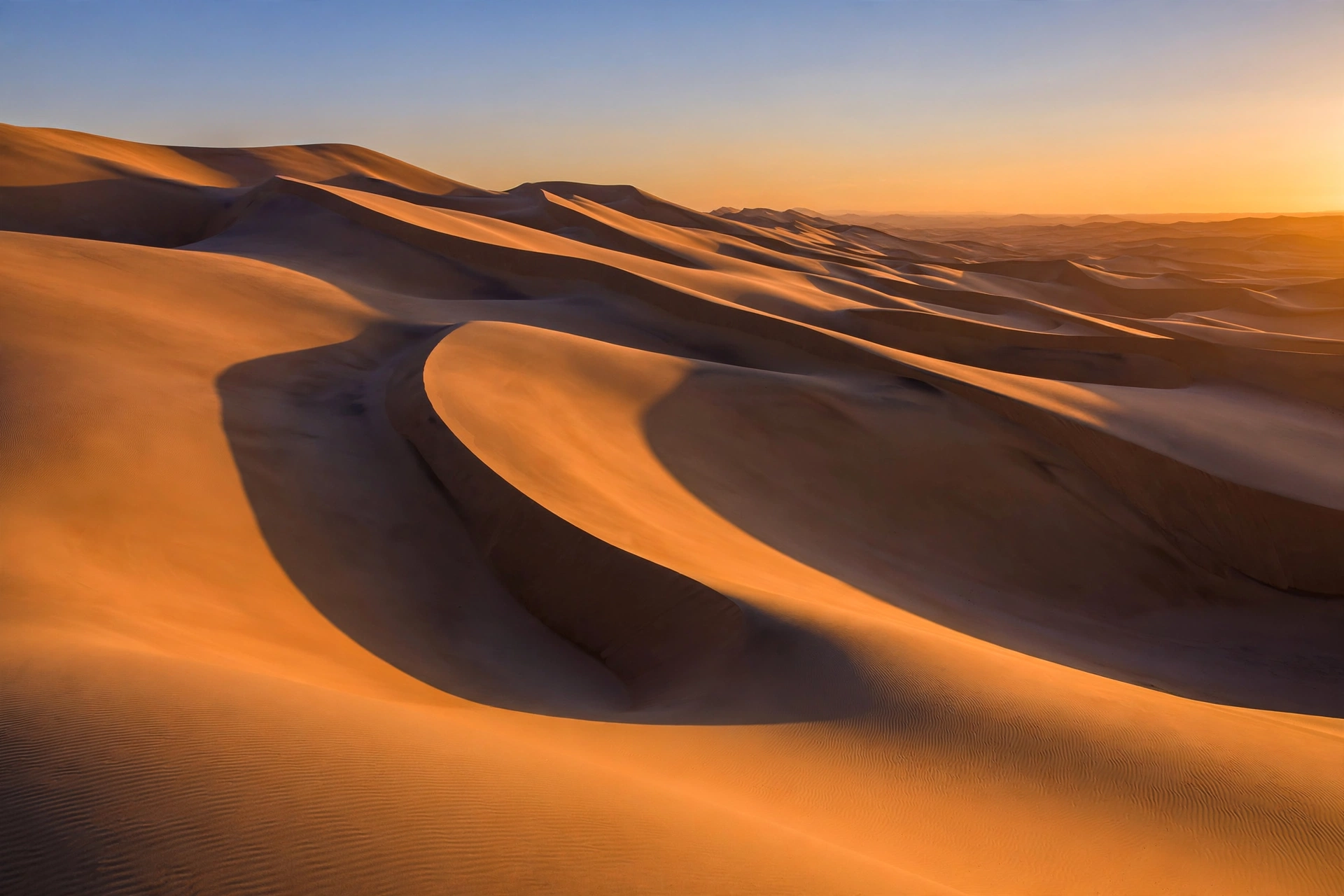
Nature Wallpapers
4 wallpapers
Cars Wallpapers
1 wallpaper
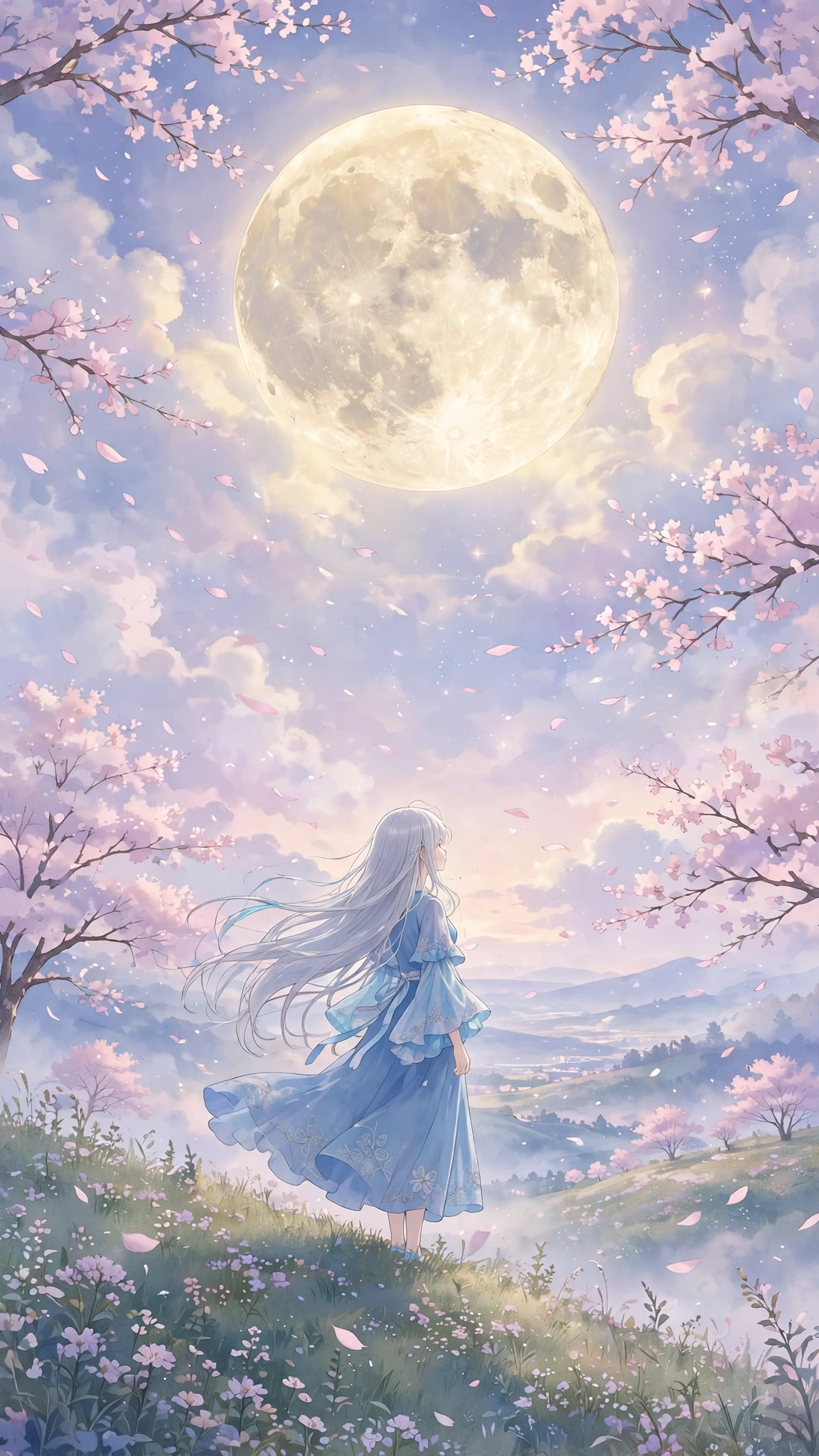
Anime Wallpapers
1 wallpaper
Abstract Wallpapers
1 wallpaper
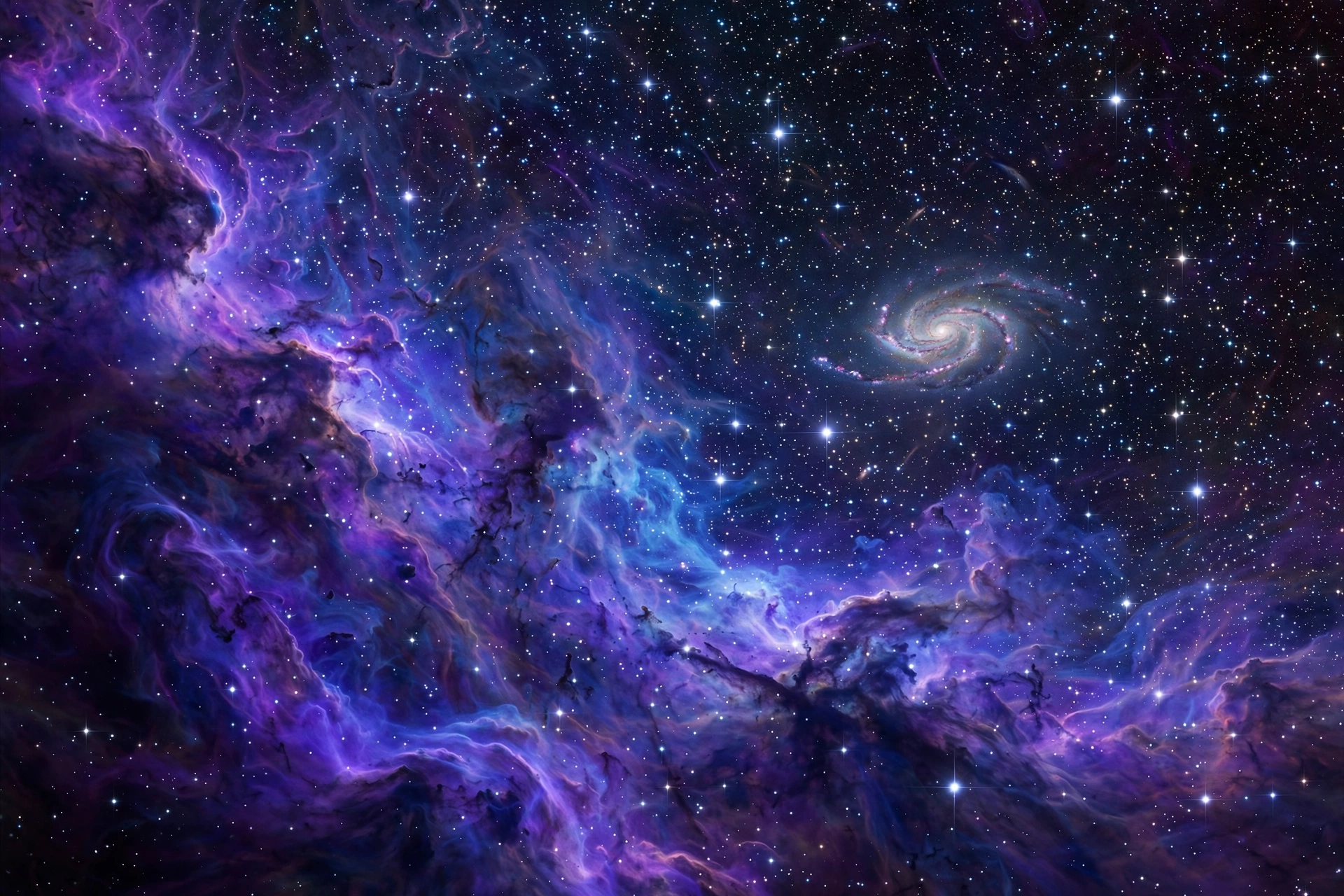
Space Wallpapers
1 wallpaper
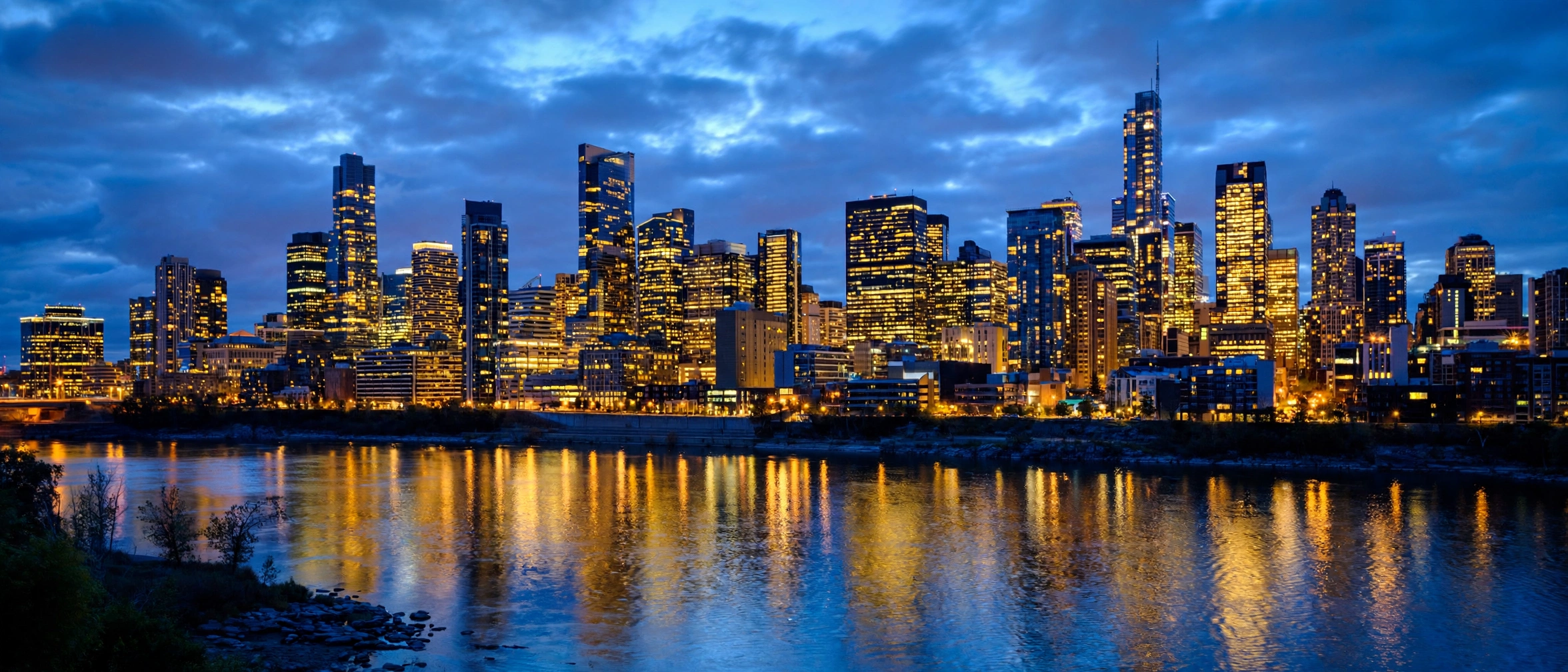
City Wallpapers
1 wallpaper
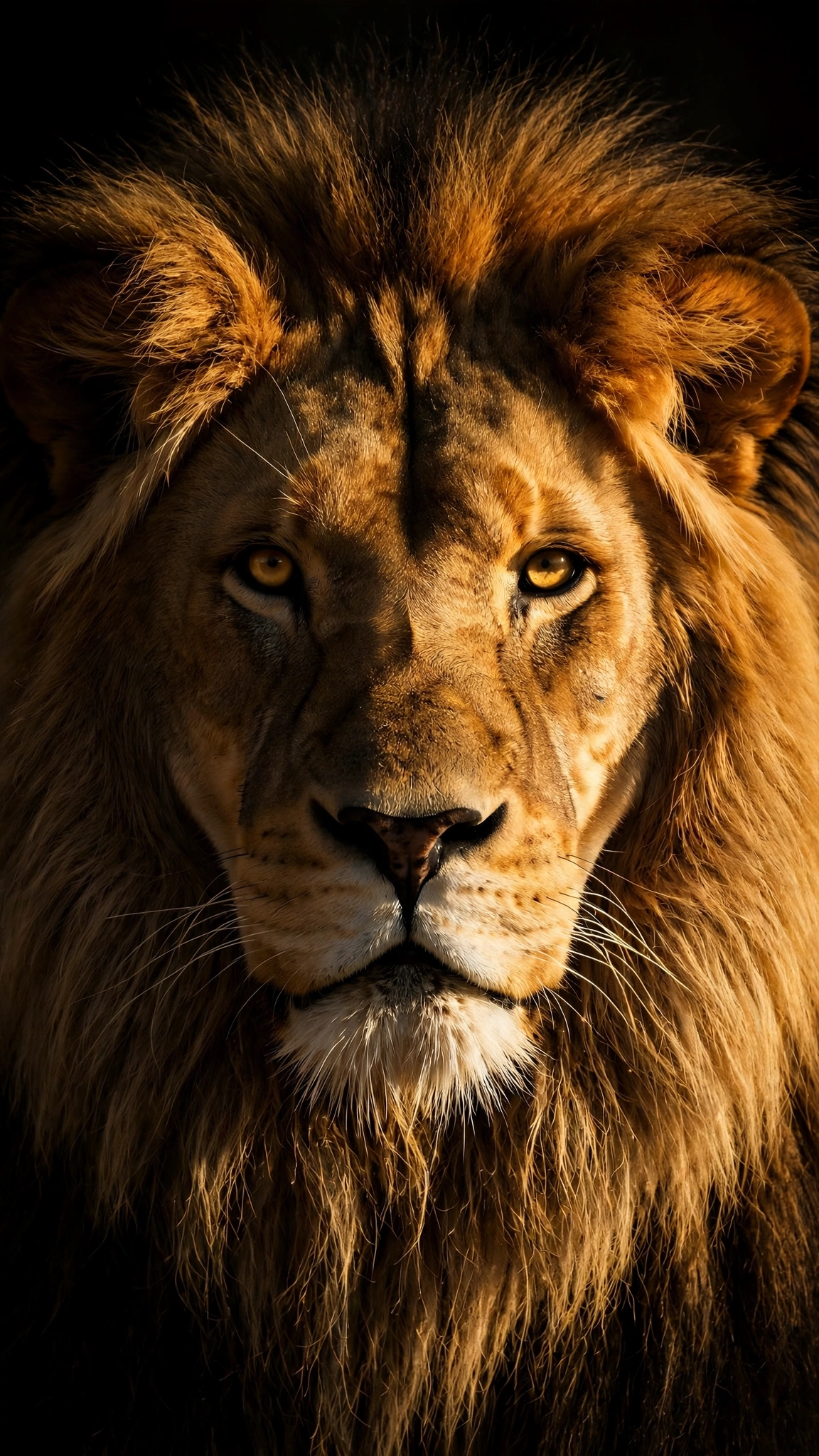
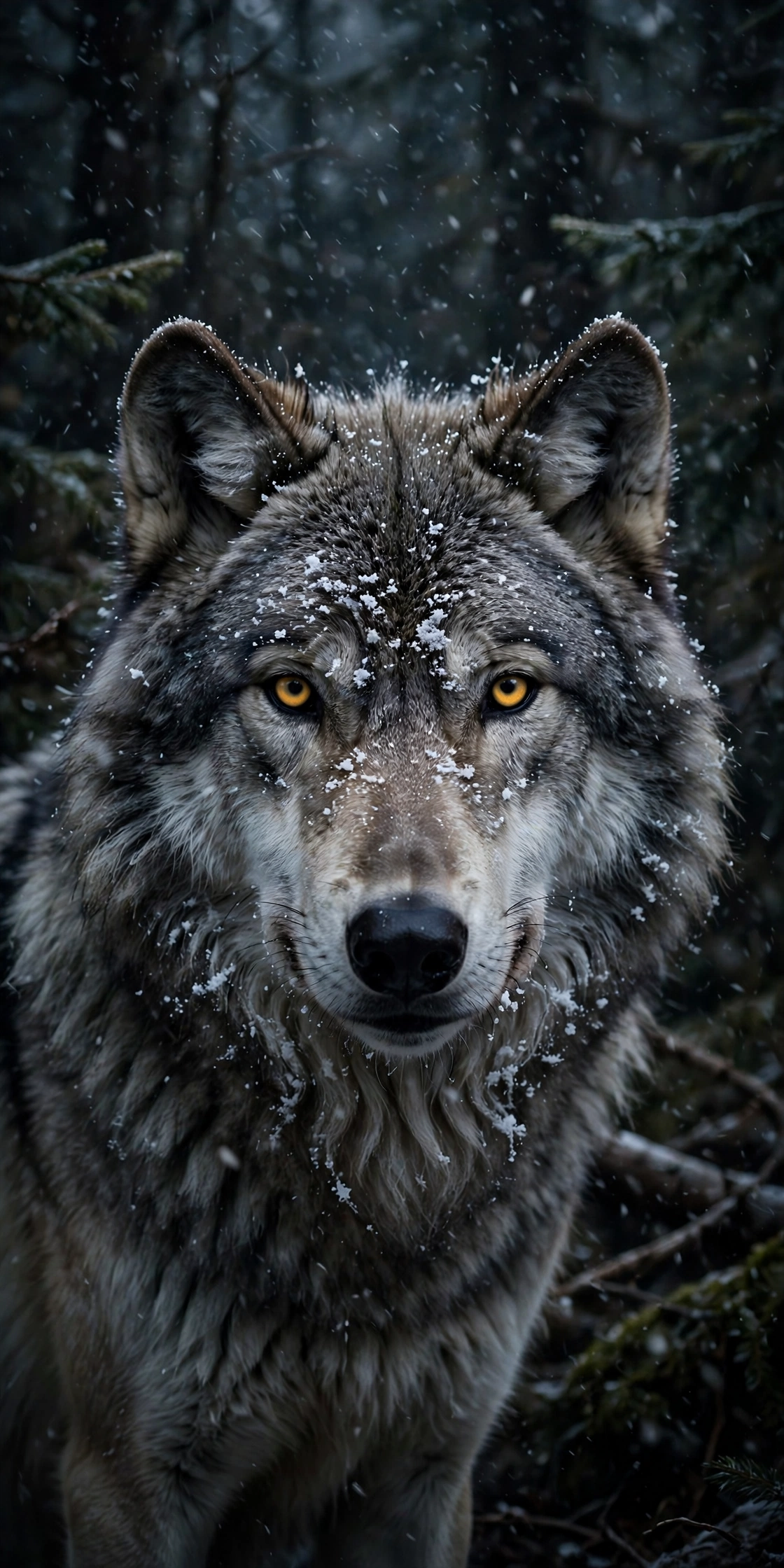
Animals Wallpapers
2 wallpapers
Dark / AMOLED Wallpapers
1 wallpaper
How to Download
1. Choose
Pick a wallpaper you like from the latest grid or a category.
2. Download
Tap a download button to save the full-size image to your device.
3. Set as wallpaper
Open the image and set it as your home screen or lock screen background.
Frequently Asked Questions
Are the wallpapers really free?
Yes, every wallpaper on 69img is free to download, with no sign-up and no watermark.
What size should I pick?
For a computer or laptop, pick 4K (3840×2160). For a phone, pick the mobile size (1080×1920).
Can I use them commercially?
No, these wallpapers are for personal use only — your own phone, tablet or computer.
How do I set a wallpaper on my phone?
Download the image, open it in your photos app, and choose “Set as wallpaper” or “Use as wallpaper”.